Nocturn
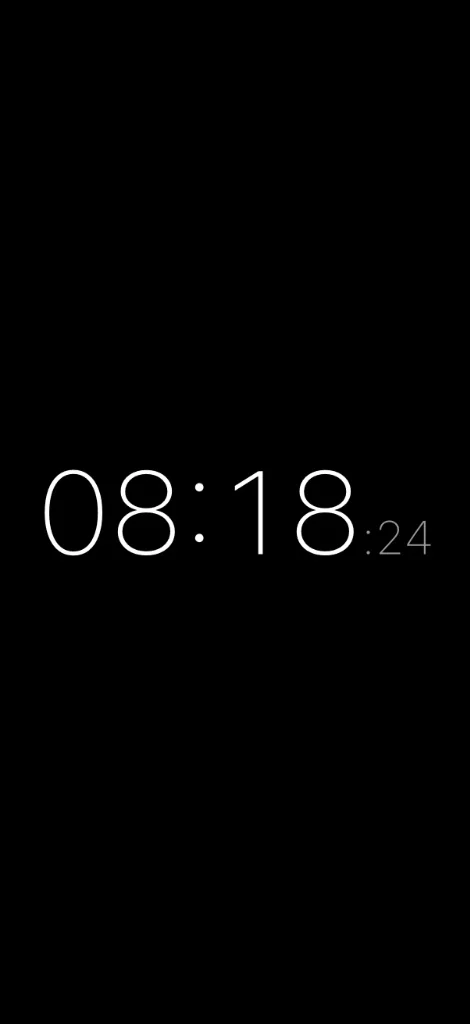
An OLED-safe nightstand clock app designed for minimal battery drain and true dark mode.
The Challenge
Built with Flutter, Nocturn is designed to be simple, intuitive, and beautiful. It is a perfect companion for your nightstand, and it is also a great way to keep track of time.
It features:
- Burn-In Protection: Safely leave the app running without damaging your screen.
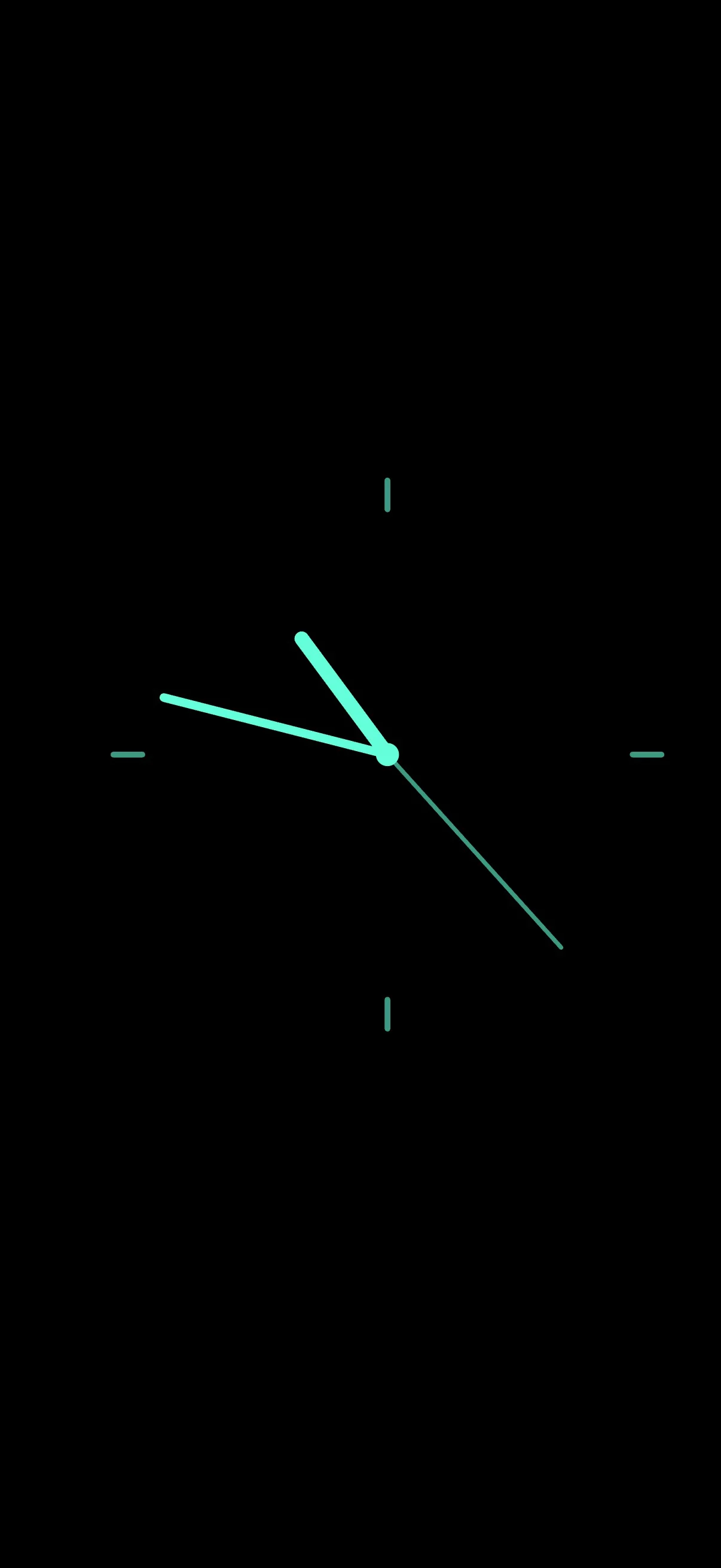
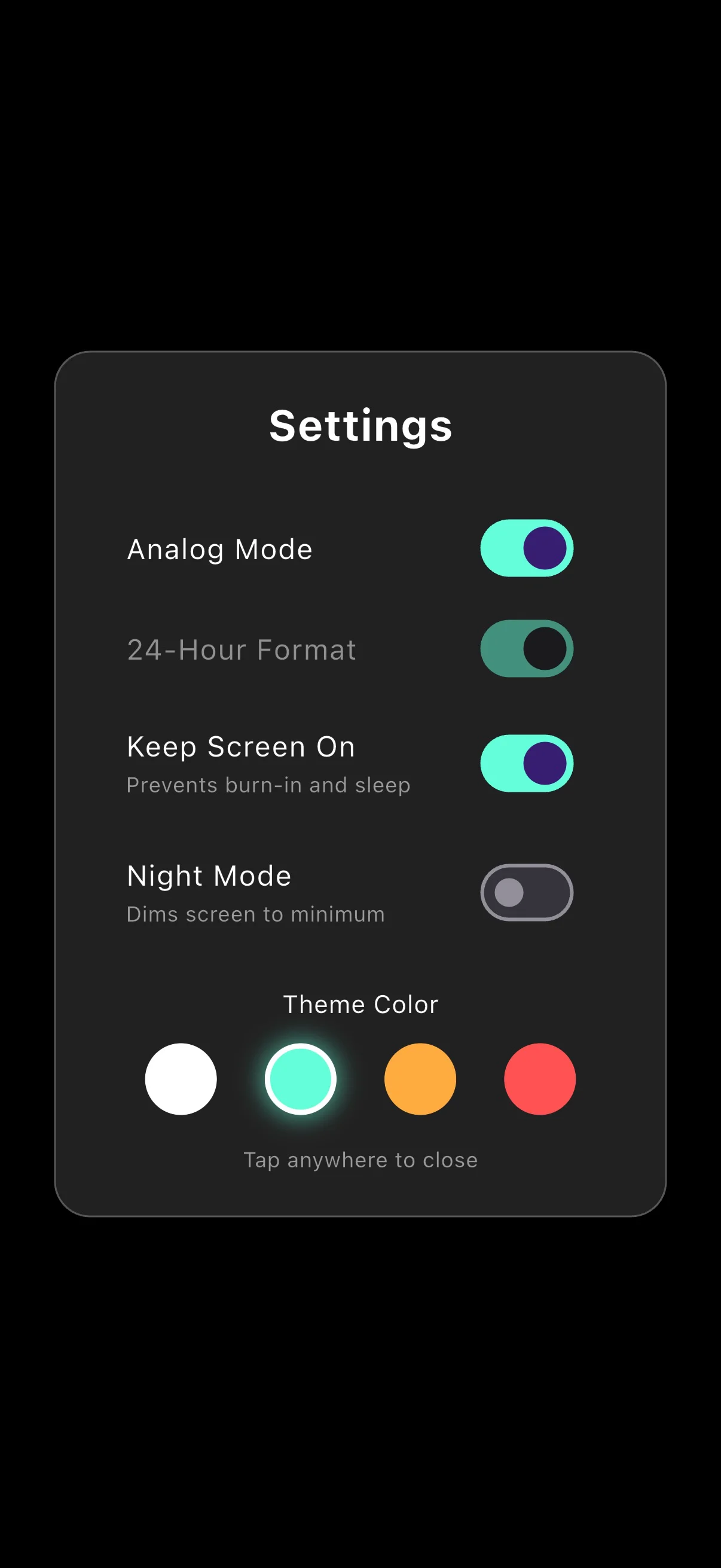
- Dual Modes: Easily switch between different display configurations.
- Customizable Colors: Personalize the clock to match your aesthetic.
- Always-On Wakelock: Ensures the screen stays awake while the app is in use.
- True Dark Mode: Pitch-black background to minimize light emission.
Challenges & Solutions
Burn-in Protection on OLED Displays: Leaving a static clock running all night poses a significant risk of screen burn-in on modern OLED screens. To solve this, I implemented an intelligent display shifting algorithm in Flutter. It subtly and smoothly repositions the clock elements across the screen at randomized intervals, ensuring no single pixel is constantly illuminated without jarring the user.
Battery & Wakelock Optimization: A nightstand clock needs to keep the screen awake indefinitely. I utilized Wakelock APIs to prevent the device from sleeping, but this naturally increases battery consumption. By enforcing a True Dark Mode (using #000000 to completely turn off OLED pixels) and optimizing Flutter's rendering loop to only repaint when necessary (such as when the minute changes), I minimized power drain to keep the app highly efficient.
Project Details
Timeline
7 days
Tech Stack
Role
Creator, Product Manager & Developer
Key Features
Burn-In Protection
Intelligent display shifting prevents screen damage during long use.
True Dark Mode
Pitch-black background minimizes light emission for dark rooms.